Checkout Dialog
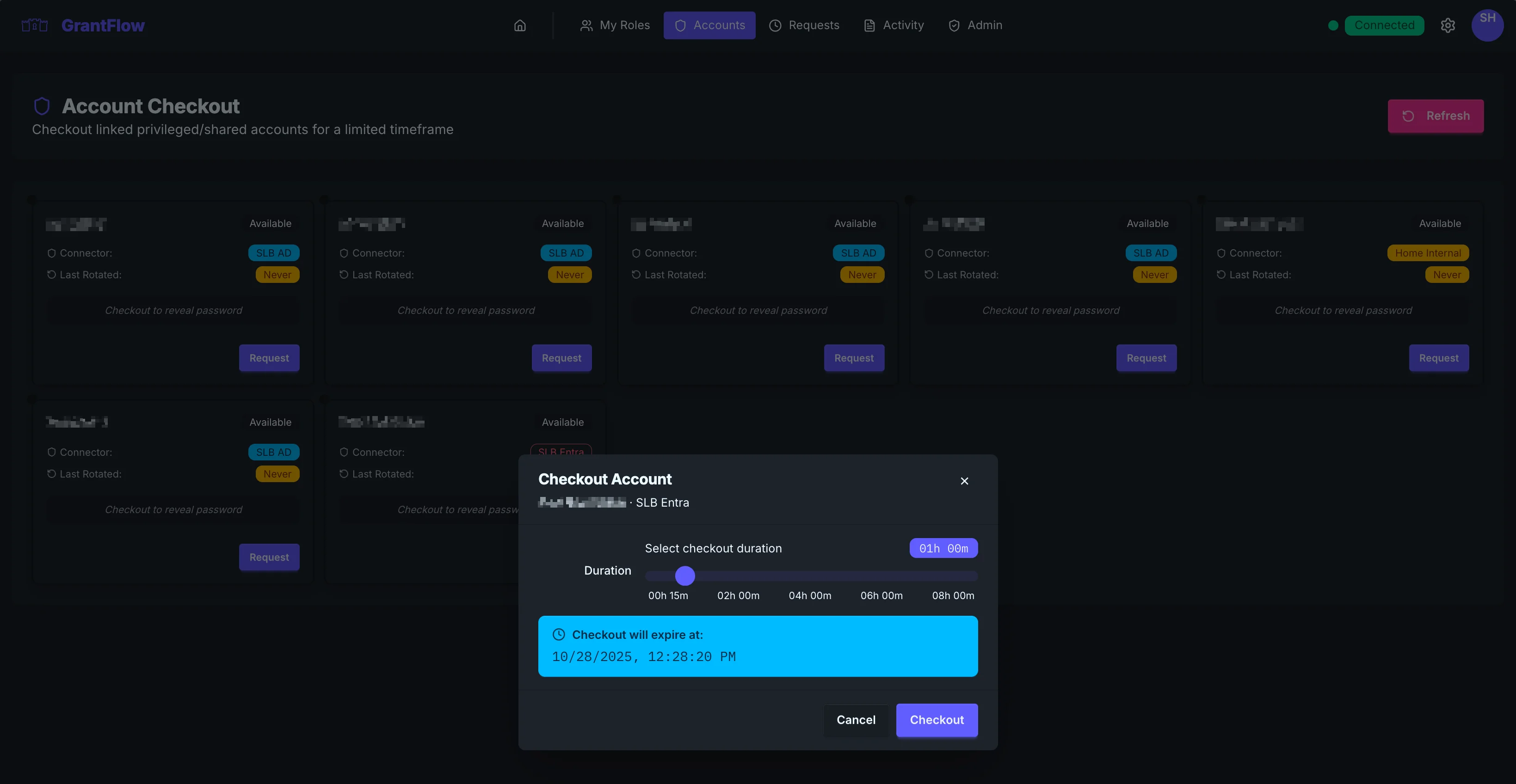
Use the checkout dialog to request temporary access to a privileged/shared account.
Fields
- Account: pre‑filled from the card you selected
- Duration: choose the minimum time you need
- Justification: describe the task; include ticket/change IDs
note
If your tenant shows a separate dialog for checkout, it will include the same fields: account, duration, and justification.
After approval
The password is revealed for the checkout window. Treat credentials as sensitive and never share them.
Troubleshooting
- No approval path: your policy may auto‑approve checkout
- Password not shown: refresh; if still missing, check Requests status and connector health