Deactivate or Cancel
End an active session early or cancel a pending request.
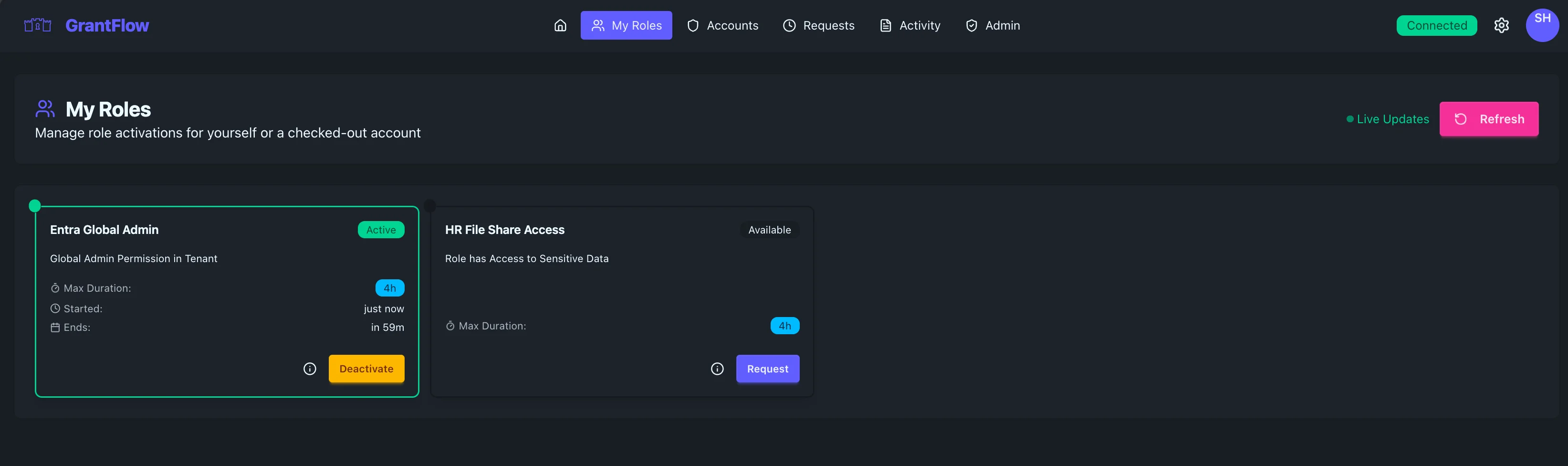
Deactivate an active role
In My Roles, locate the active role and select Deactivate. Confirm in the dialog. Access is revoked immediately and the action is logged.
Cancel a pending request
Open the pending request from Pending Requests & Approvals and choose Cancel (or Withdraw). This keeps the audit trail clean when you need to correct details.
Notes
- Deactivation does not delete audit history
- Cancellation prevents provisioning jobs from running