Session Extensions
Request more time on an active role when policy allows.
How extensions work
From the active session card in My Roles, select Extend. Choose the additional time you need and provide a brief justification if required. Some policies route extensions to approvers.
note
Extensions maintain the same provisioning; only the end time changes.
Example
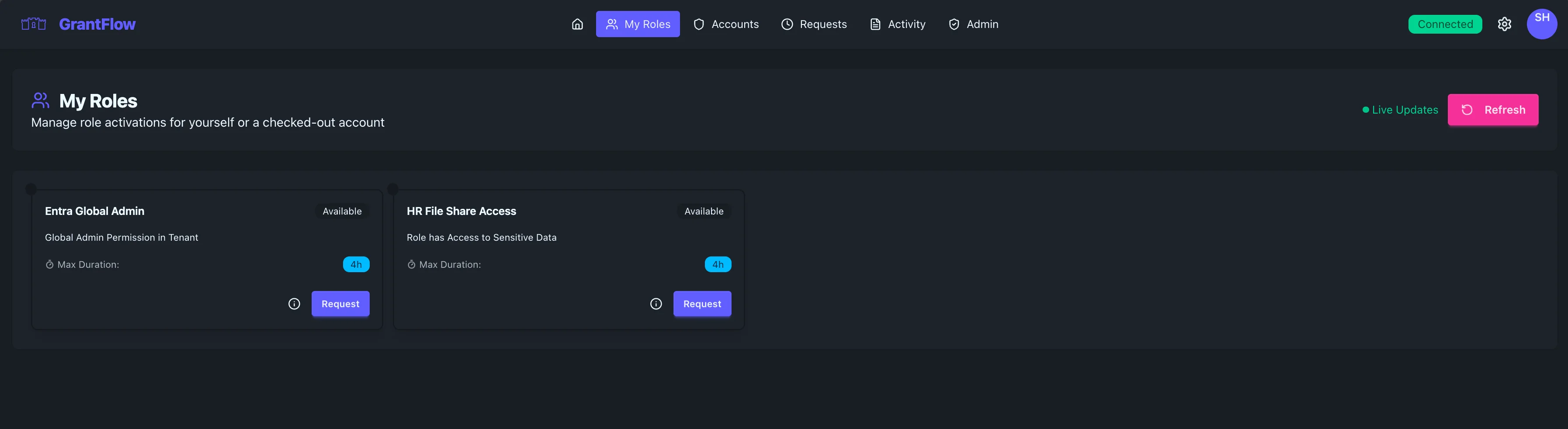
When to request an extension
Use extensions when unexpected work remains near the end of a session. Prefer short increments and avoid stacking long windows.
Troubleshooting
- Extend button missing: the role’s policy may not allow extensions
- Extension denied: read the reason and consider submitting a new request with clearer justification
- Not reflected in target system: allow a minute for propagation and refresh your session